Sell on Repeat Studio Lite
Turn what you know into a guide you can sell. Again. And again.
You've spent years getting good at what you do. Studio Lite turns that experience into a properly structured, professionally designed PDF guide, worksheets and all, that customers can buy whenever they like. No writing degree. No design software.
- €97 per guide, once
- First AI chapter free
- No subscription
Studio Lite is invitation-only while we welcome our founding users. Already invited? Create your account.


Sound familiar?
Your knowledge is valuable. Stop giving it away one hour at a time.
Consultations, calls, workshops, the same advice in the same email for the fiftieth time. You know enough to fill a book. Turning that into a finished product is another matter entirely.
-
“I've got years of experience, but I've never written a book.”
You don't have to become a writer. Studio Lite suggests the structure and drafts from your own material. You make it right.
-
“I wouldn't even know where to start.”
Start with what you already have: old handouts, slides, a page from your website, a voice note recorded in the car.
-
“I don't have time to write 50 pages.”
Talk it through instead. Your notes and recordings become chapter drafts you can edit in an evening, not a year.
-
“I'm not a designer.”
Pick Editorial, Workbook or Manual. The cover, contents, chapter openers and worksheets are laid out for you.
-
“I explain the same things to clients over and over.”
That's your first guide. Write it down properly once, and every future client can buy it.
-
“What if nobody buys it?”
Build the plan and a full chapter for free. Show it to a few real customers before you spend a cent.
From notes to a finished guide
Rough notes in. A finished guide out.
A photographer's handout, a voice note recorded between jobs and the email they send before every shoot. One afternoon in Studio Lite later: a 15-page guide with a contents page, chapter openers, worksheets and checklists.
What you bring
Owner portrait first. Every time.
(learned that one the hard way)
workshop-handout-shot-lists.pdf
Lessons learned the hard way
Client prep email I send before every shoot
Hi! A few things before Thursday. 1) Please clear the counter and windows the night before. 2) Send me your shot list by Monday, must-haves first...
Your website: the FAQ page
Illustrations of the kinds of material you can add.
What you get


Real pages from a sample guide made with Studio Lite's Editorial template. The author is fictional. Download the sample PDF (15 pages, 290 KB).
How it works
Gather. Create. Export.
Three tabs, in whatever order suits you. If you can write an email, you can use Studio Lite. Nothing to install, no templates to wrestle and no blank page to stare at.
-
Gather
Bring together what you already know.
You already have the knowledge. Let's get it out of your head and into something useful.
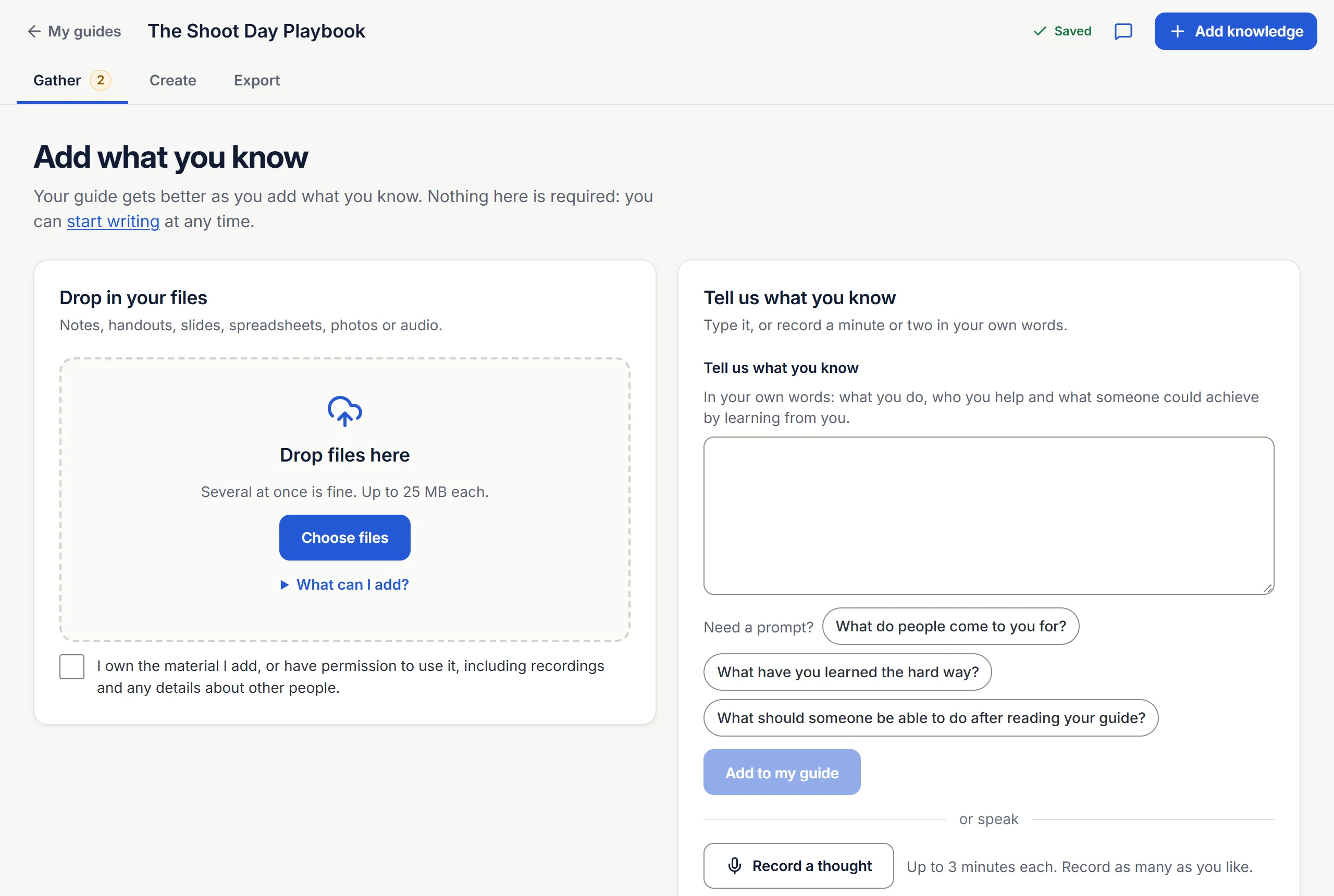
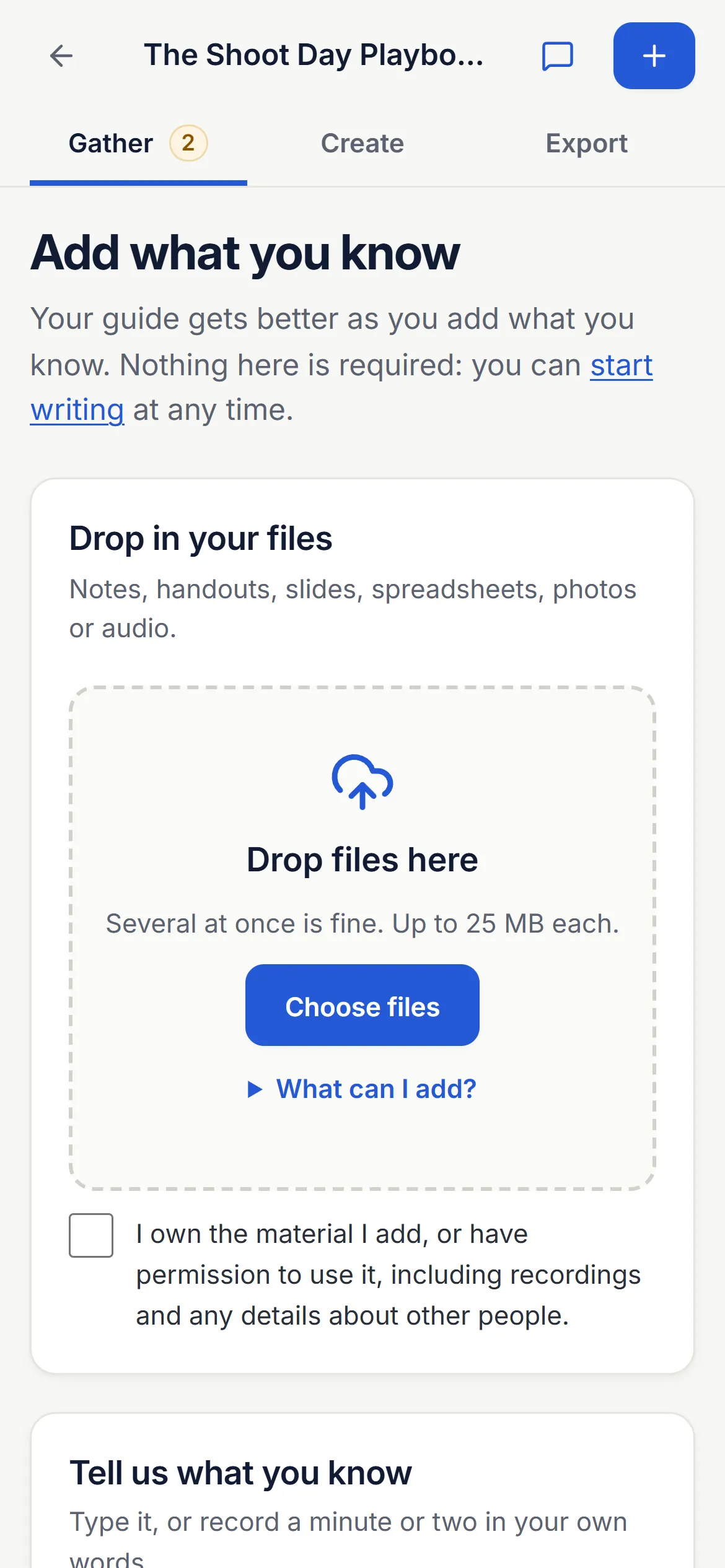
- Upload documents and supporting files: PDFs, Word, slides with speaker notes, spreadsheets, photos and audio
- Add a page from your website
- Paste in notes, old emails and existing writing
- Record your experiences out loud. Studio Lite turns them into text you can check
- Keep your examples, stories, lessons and practical advice together, and choose what gets used
-
Create
Shape it into a guide people can actually use.
Your experience becomes the starting point. Sell on Repeat helps turn it into something people can use.
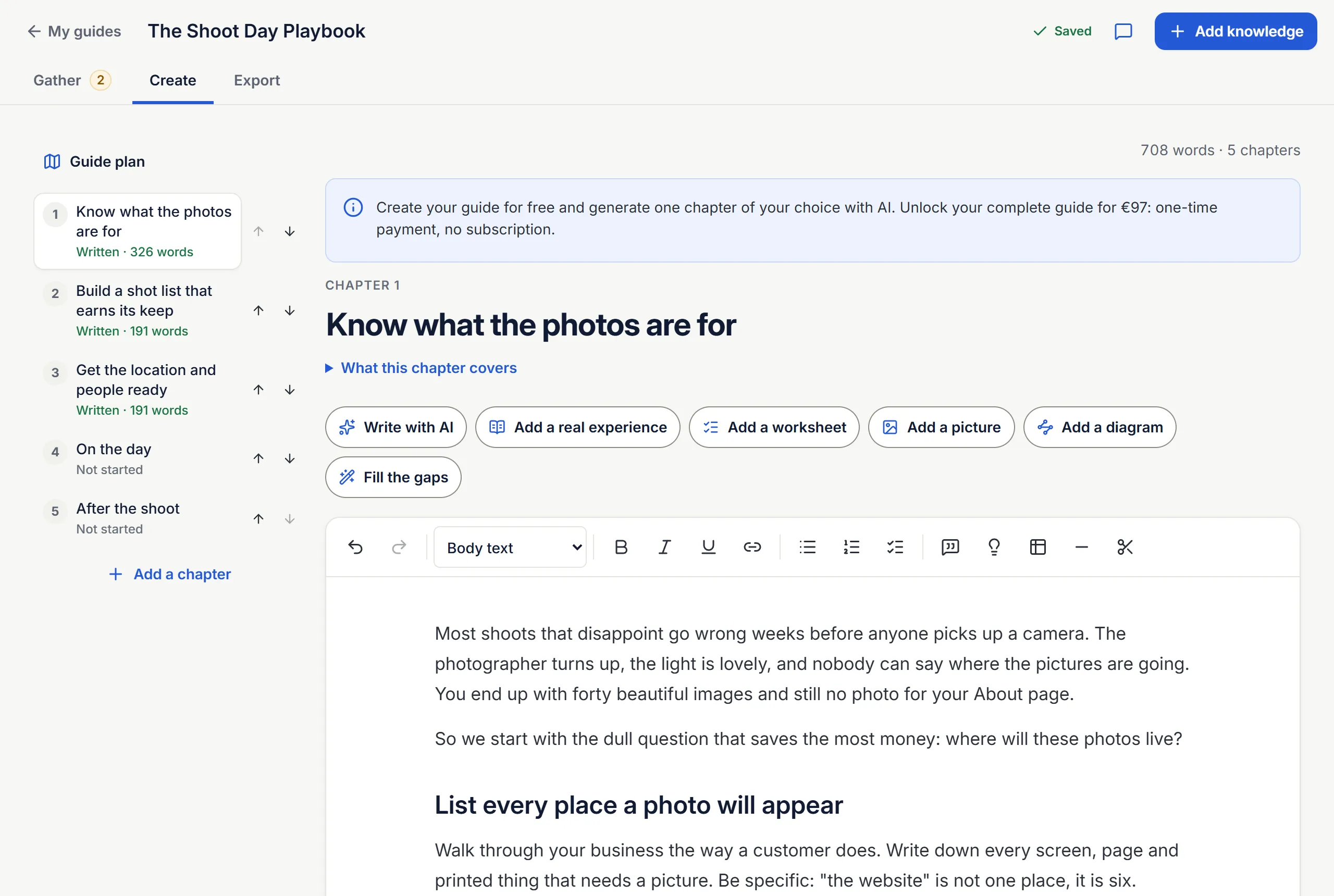
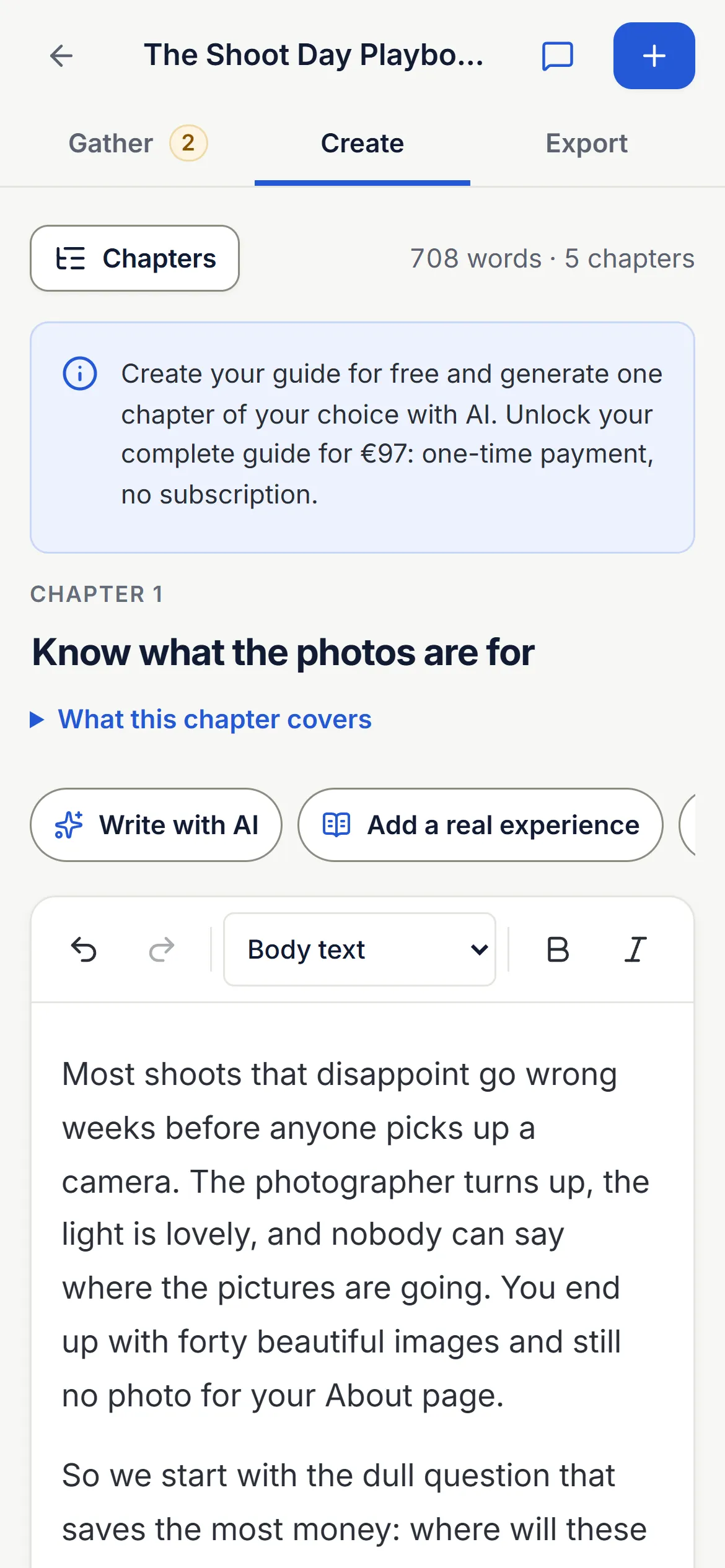
- Get suggested titles, a clear promise and a chapter outline, then change anything you like
- Draft chapters from the material you added, one at a time or all at once
- Turn spoken stories into written passages, in your words or tidied up
- Rewrite, shorten, expand or add an example to any paragraph
- Add worksheets, checklists and simple diagrams where readers need to do something
- Edit everything yourself, and redraft a single chapter without starting again
-
Export
Package it beautifully, ready to sell.
Your knowledge, beautifully packaged and ready to sell.
- Choose a professional template: Editorial, Workbook or Manual
- Set your colour, page size and cover: a pattern, your own photo or plain
- Add your logo, author details, website and contact email
- Preview the cover as you go, and check every page before you finish
- Unlock the guide to download the final PDF without the draft watermark
- Edit any time and export an updated version, as often as you need
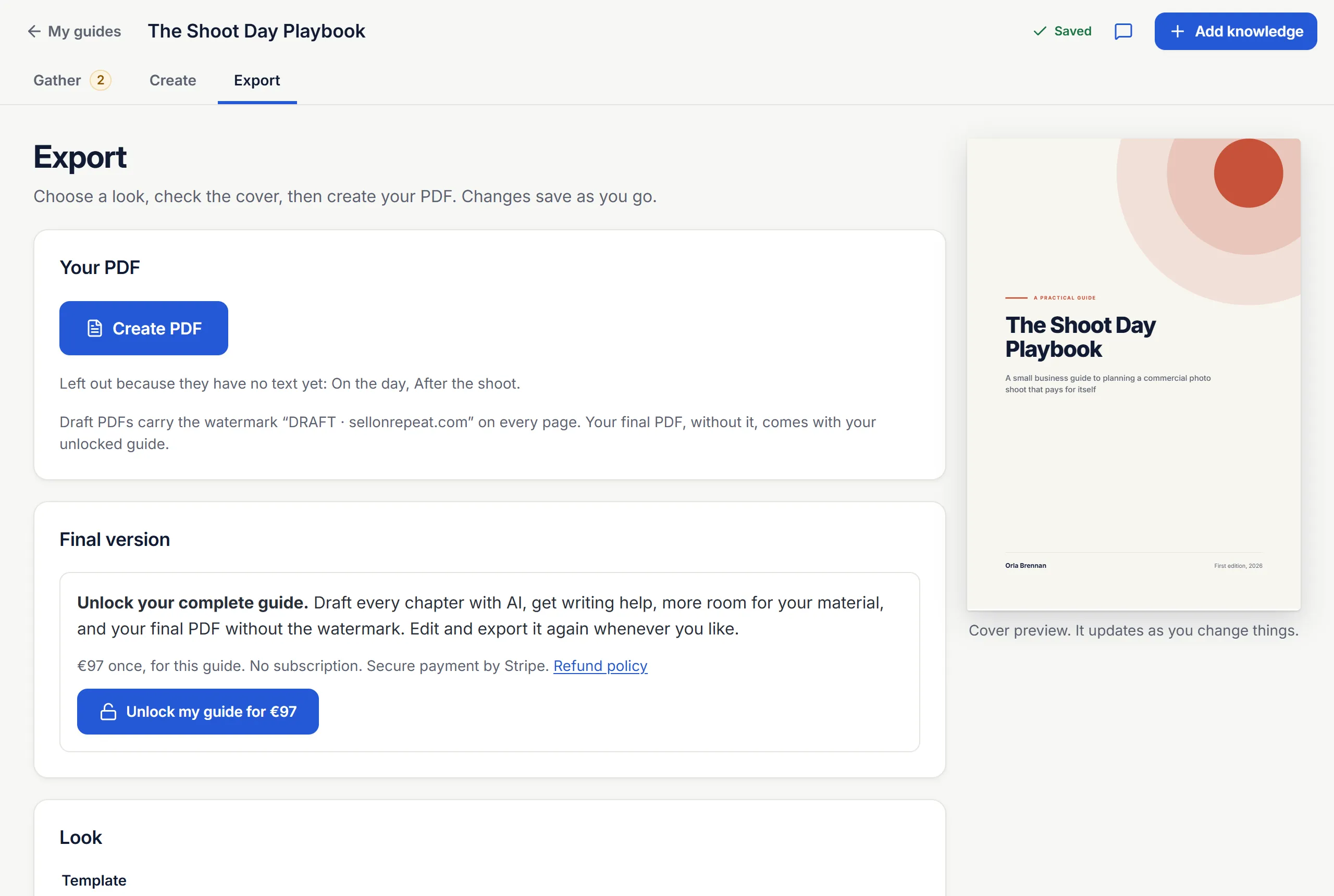
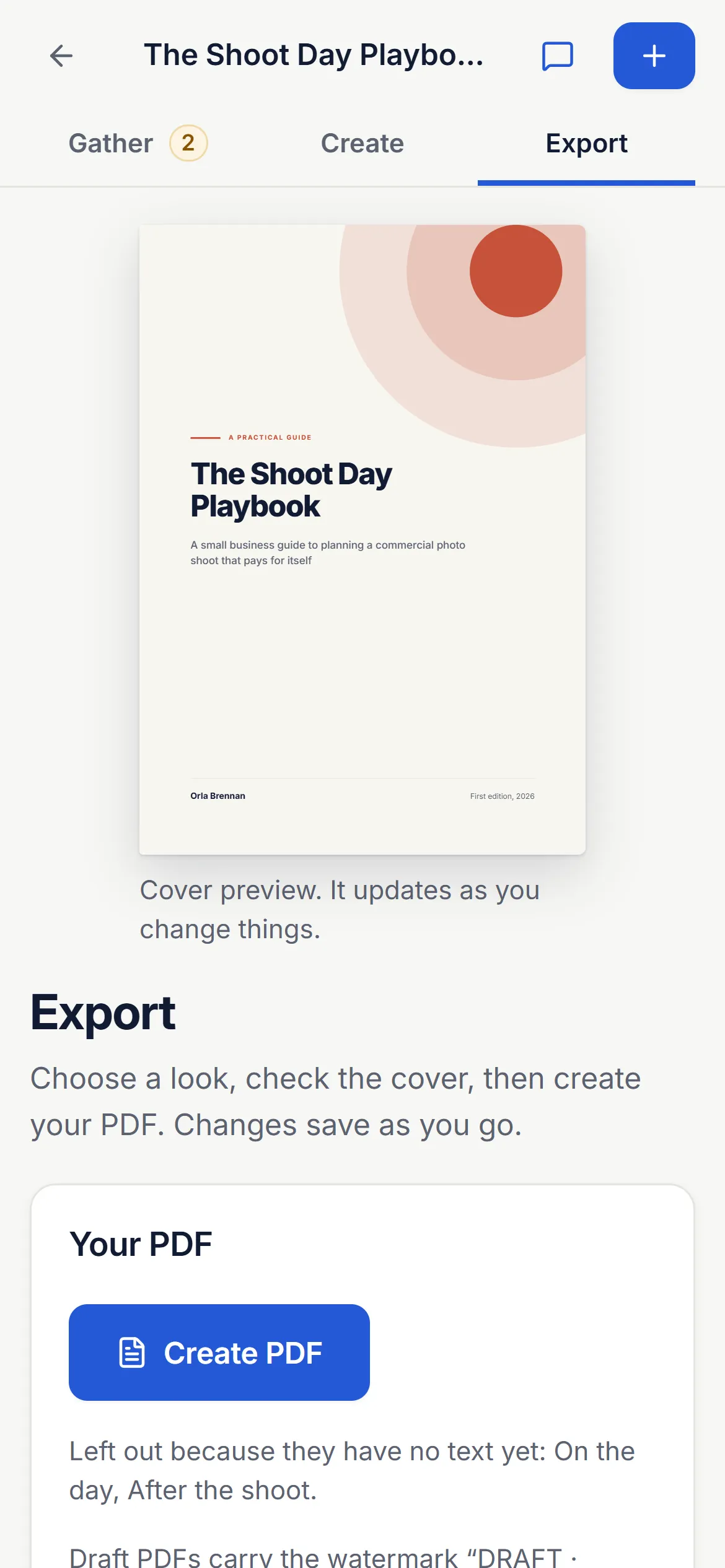


Three looks. Your colours. Pages that hold up in print.
Every guide gets a proper contents page with page numbers, chapter openers that tell readers what they will be able to do, numbered sections, worksheets with room to write and checklists to tick. Text stays crisp and searchable in any PDF reader.
You can also download your words as Markdown or a web page, to use anywhere you like.
Examples
If people pay for your advice, they'll pay for your guide.
Checklists clients keep asking for. The programme you take every beginner through. The process you could do in your sleep. Here's what that might look like.
-
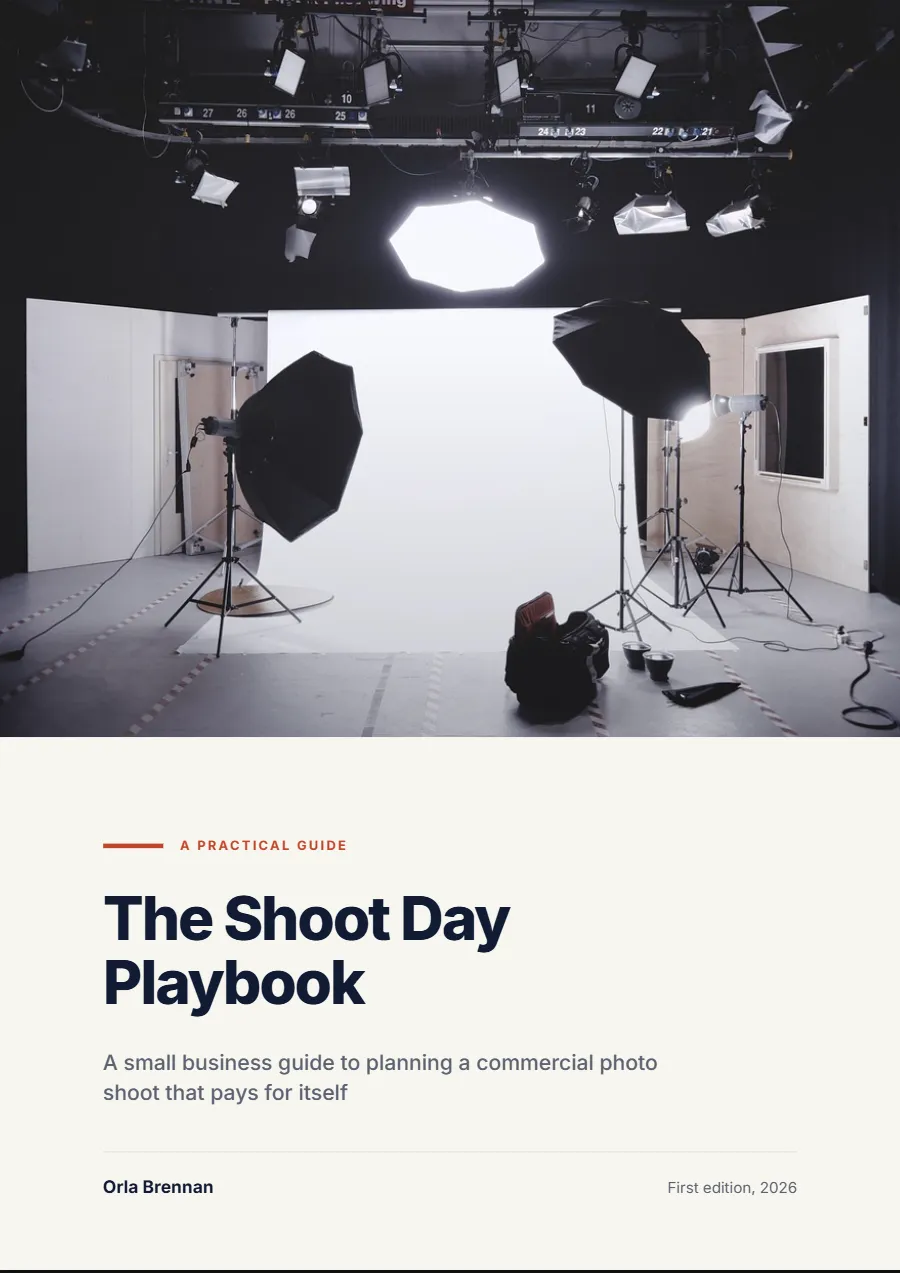
Photographer
The Shoot Day Playbook
Preparing a business for a commercial shoot, with shot lists and a day-before checklist.
-
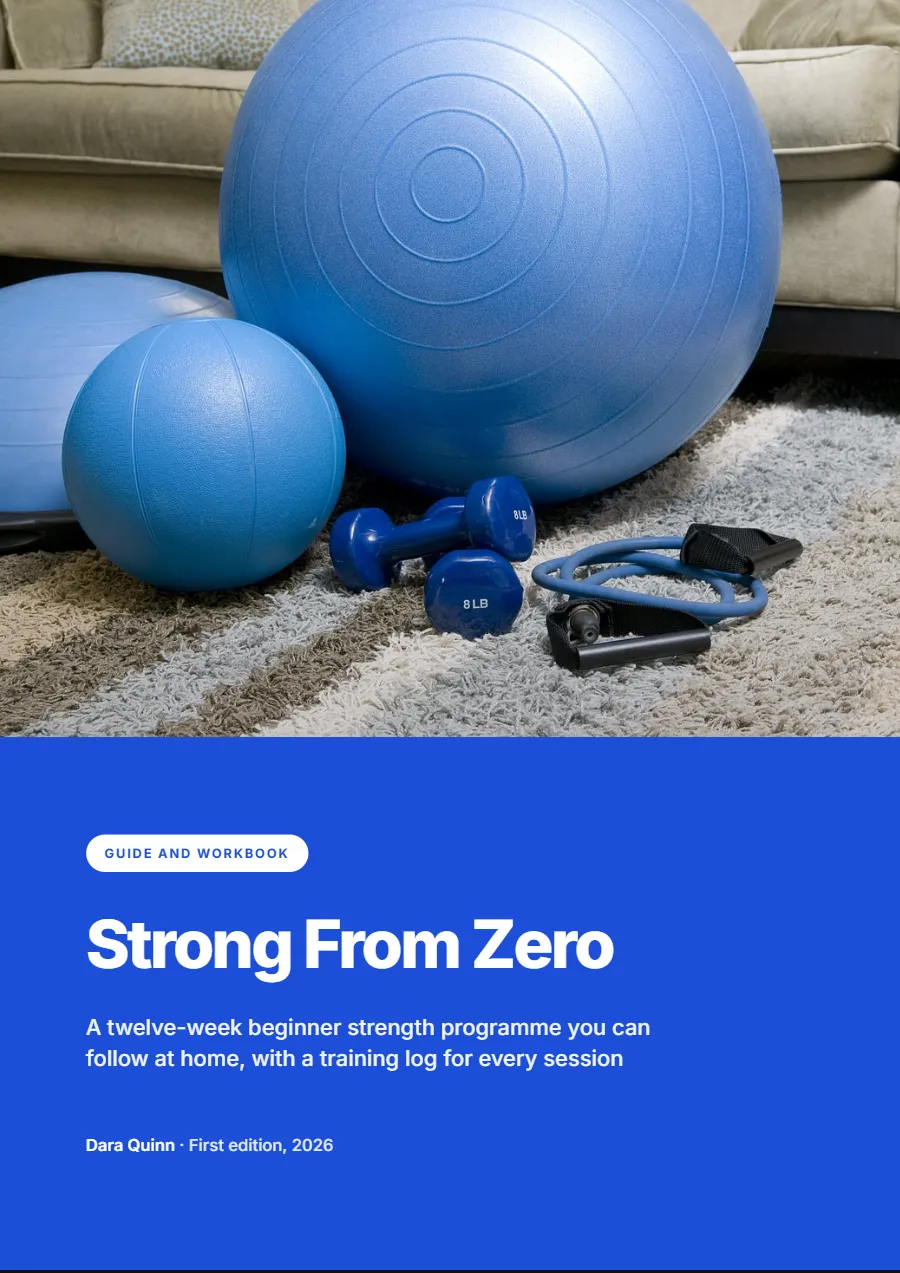
Fitness coach
Strong From Zero
A twelve-week beginner programme with a training log for every session.
-
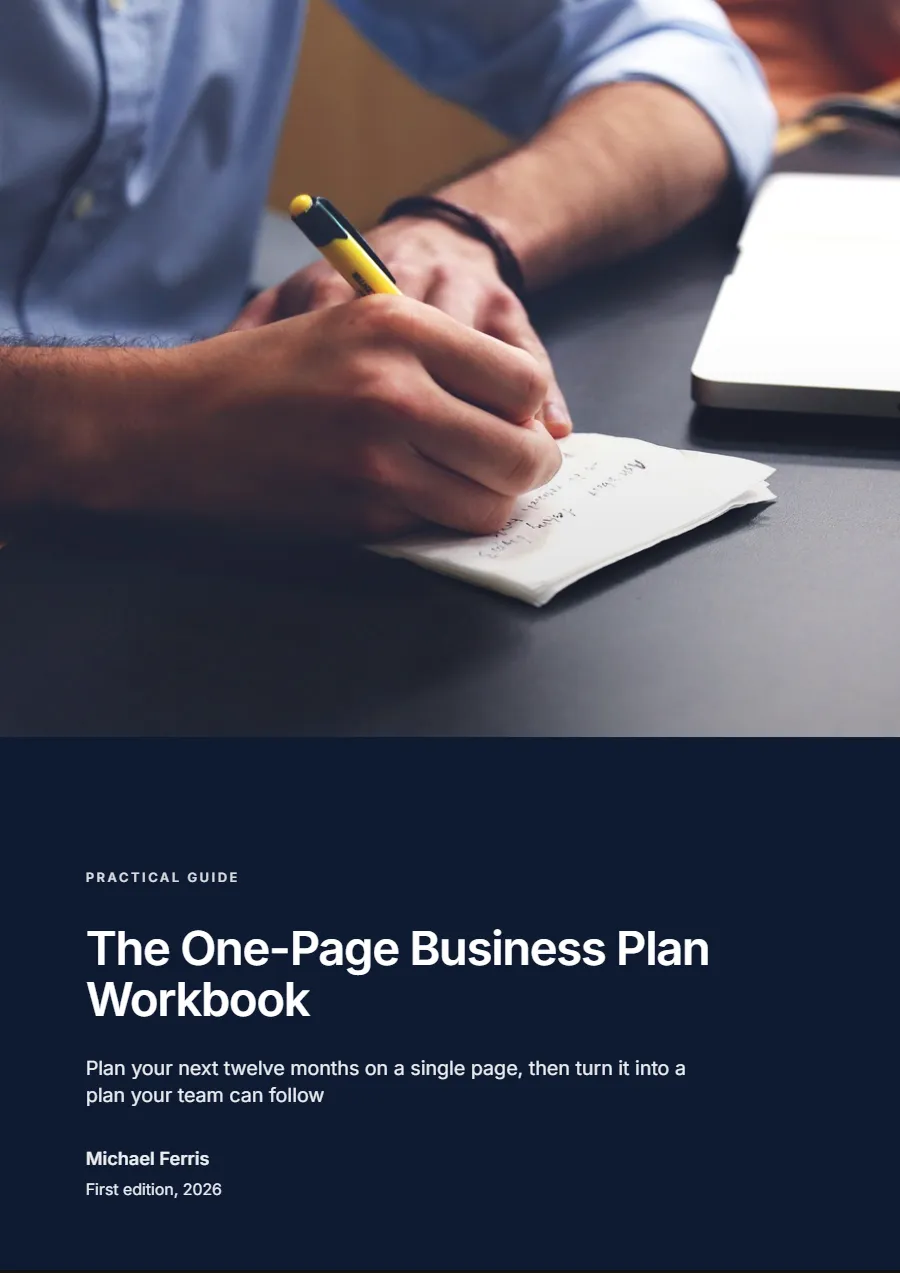
Business consultant
The One-Page Business Plan Workbook
A planning workbook that turns a year of goals into one page a team can follow.
-
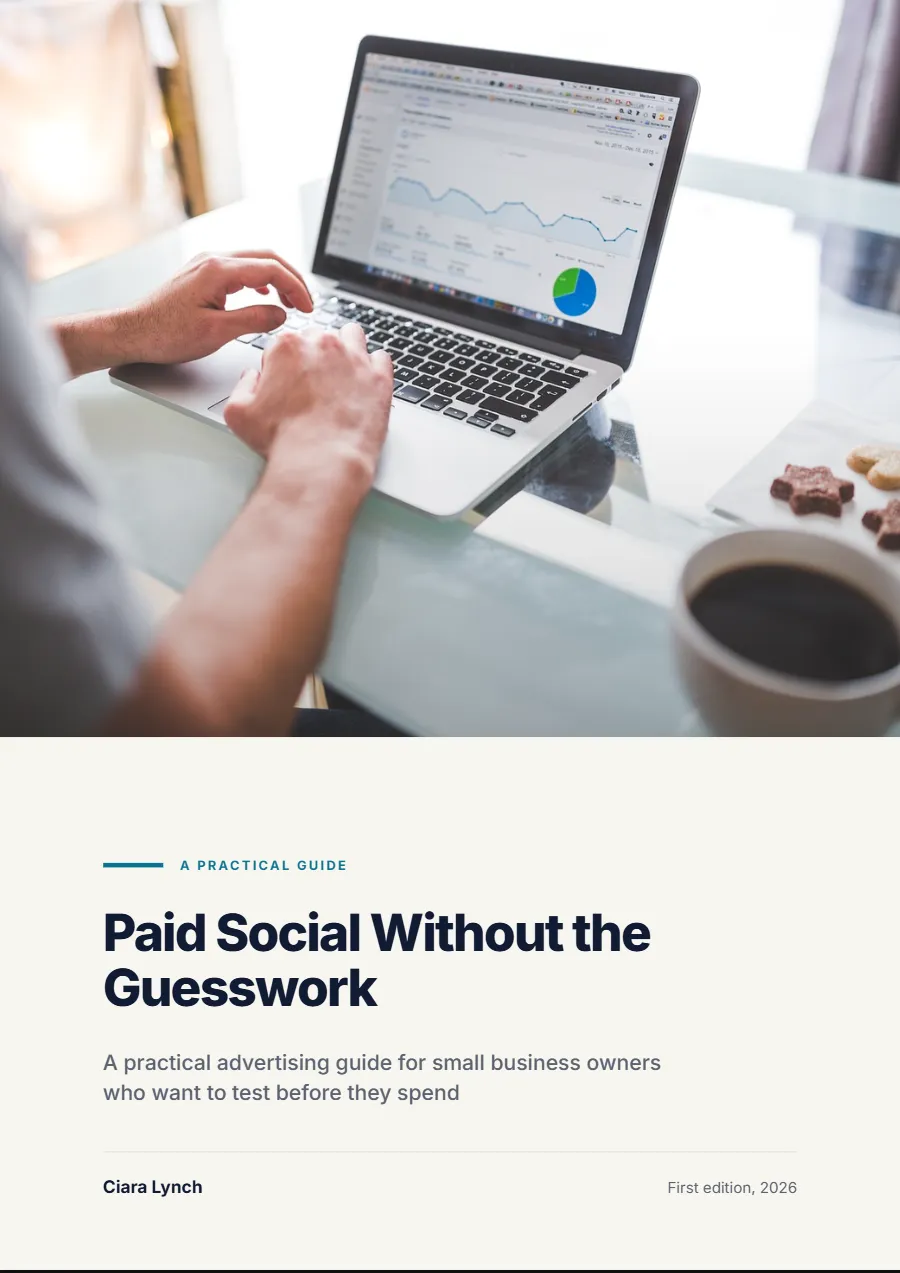
Marketing specialist
Paid Social Without the Guesswork
A practical advertising guide for owners who want to test before they spend.
-
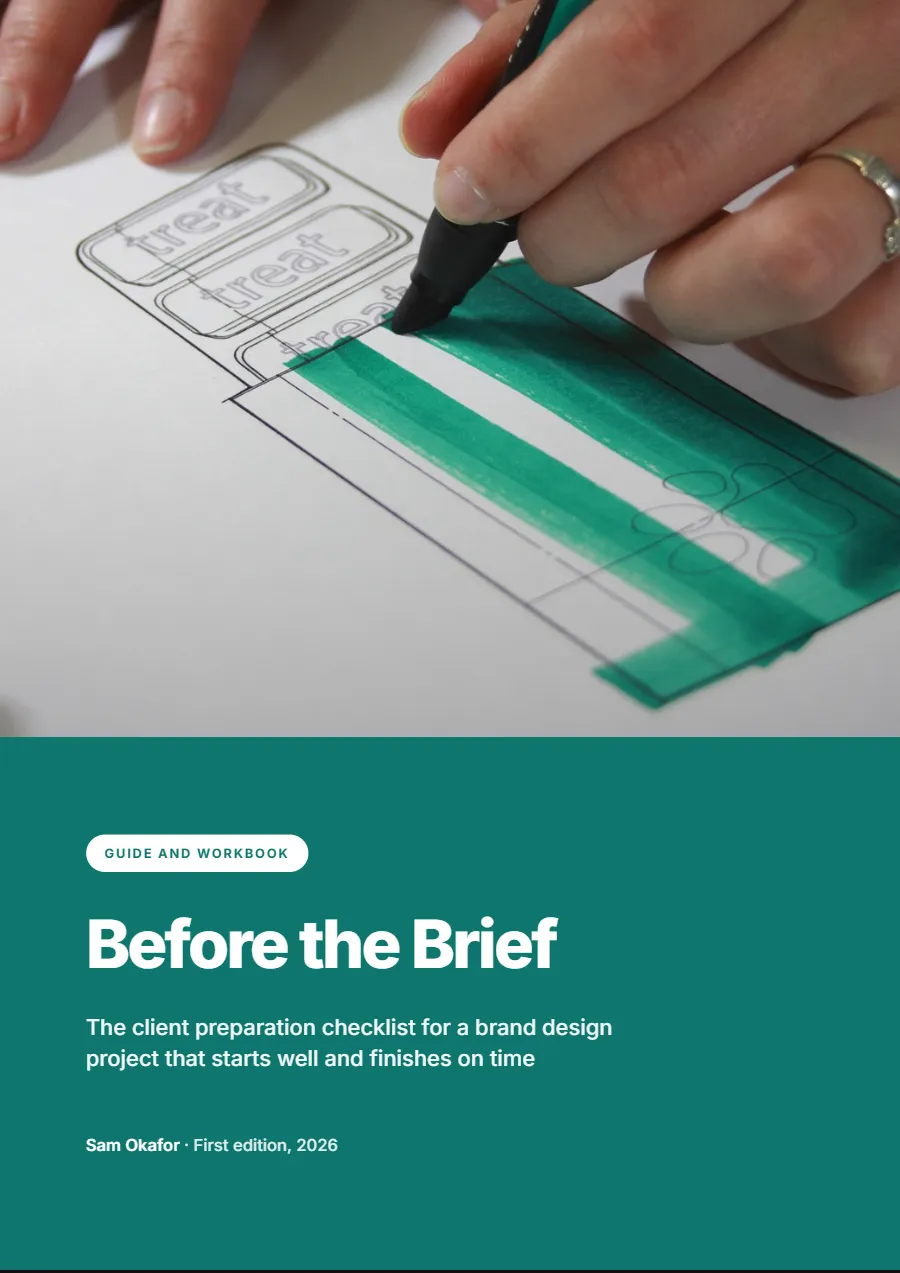
Brand designer
Before the Brief
The client preparation checklist that gets a design project off to a good start.
-
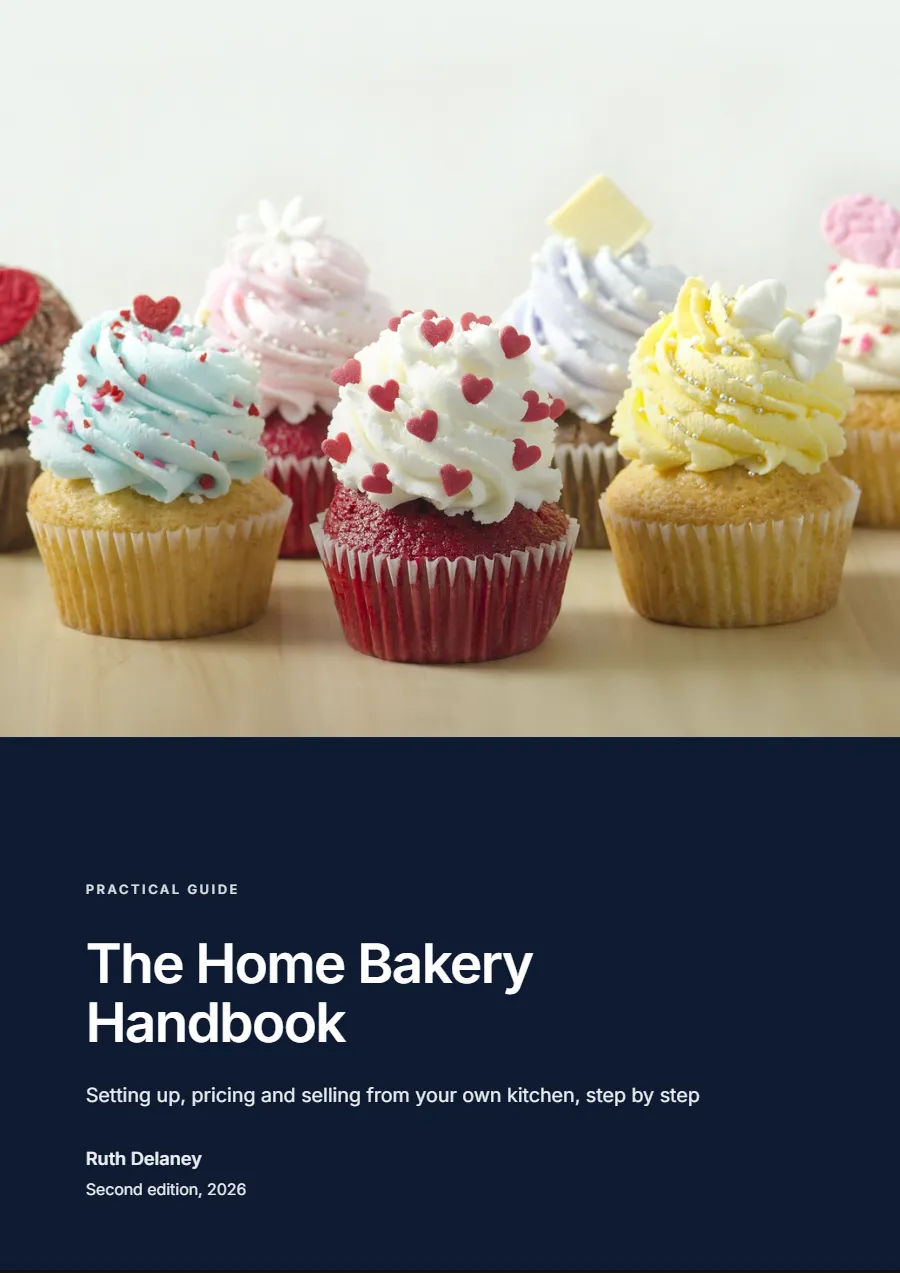
Industry specialist
The Home Bakery Handbook
A specialist handbook on setting up, pricing and selling from a home kitchen.


Illustrative examples made with Studio Lite's own templates. The guides and authors are fictional, not customer products.
Create once, sell many times
Write it once. Sell it again and again.
A consultation happens once. A workshop happens on a Tuesday. A guide is there at three in the morning when someone in another time zone decides they need exactly what you know.
Every sale is the same file. You don't rewrite it, rebook it or present it again. When you learn something new, you improve the guide and export a fresh copy.
Simple arithmetic
€19 × 50= €950
A €19 guide sold 50 times is €950 in gross sales.
Before payment fees, tax, advertising and any other costs. It shows how repeat sales add up. It is not a forecast of what you will earn.
Sell it wherever your customers already are
- Your own website
- A digital download platform or online shop of your choice
- Your email newsletter
- Social media, organic or paid
- At workshops, talks and alongside your services
The honest bit
Sell on Repeat helps you create the product. Selling it is still up to you: you'll need an audience, a sales channel or some marketing. Studio Lite doesn't host a shop or find buyers for you, and nobody can promise sales. What we can do is make the hard part, getting a polished guide out of your head, a great deal easier.
Pricing
One guide. One payment. Yours to sell again and again.
Founding-user price
€97per guide, including VAT
One-time payment. No subscription. No ongoing licence fee for the same guide.
Our planned standard price is €149 per guide. Guides unlocked at the founding price stay unlocked.
Request your invitationStart for free. Unlock your complete guide when you're ready.
Free, before you pay
- Create an account and start a guide
- Add your notes, files, web pages and voice recordings
- An AI-suggested title, promise and chapter outline
- One chapter of your choice drafted with AI (one per account)
- Write and edit as much as you like yourself
- Draft PDFs to check the design, with a "Draft" watermark
When you unlock a guide for €97
- AI drafts for every remaining chapter
- AI writing help: rewrite, expand, add examples, worksheets and diagrams, within a fair allowance
- Your finished PDF without the watermark
- Edit, improve and re-export that guide whenever you like, at no extra cost
- More room for your material: 1 GB for that guide
Each guide is unlocked separately. The price you see at checkout is the price you pay. For now, guides can be unlocked by customers with a billing address in Ireland. You can cancel within 14 days of paying for a full refund. Payments are handled by Stripe; we never see your card details. See the refund policy and Terms of Service.
Do I need to be a writer?
No. You need to know your subject. Studio Lite suggests a structure, drafts chapters from the material you add and helps you rewrite anything that doesn’t sound right. Where a chapter is thin, it tells you so and asks you questions rather than padding it out.
Can I use material I've already created?
Yes, and you should. You can add PDFs, Word documents, PowerPoint slides (including speaker notes), Excel and CSV files, text and Markdown, photos, audio recordings, pasted text and pages from your website. Files can be up to 25 MB each, or 50 MB once a guide is unlocked. Older formats such as .doc and .ppt need saving in the newer format first.
What if I don't know how to structure my guide?
Ask Studio Lite to suggest a plan. It reads your idea and your material, then proposes three titles, a subtitle, a realistic promise and four to eight chapters with a short description of each. Rename, reorder, add or remove anything, or ask for a different plan.
Can I speak instead of typing?
Yes. Record a thought up to three minutes at a time, as often as you like. It is turned into text that you check and correct before it goes into your guide. You can also speak a real experience straight into a chapter. Recordings are deleted automatically seven days after you accept the text; the words stay.
Can I edit the AI-generated content?
Every word. AI suggestions are proposals and you decide what goes in. If a new draft would change text you have already written, it waits for you to add it, replace the old version (which is kept in the history) or throw it away. Made-up examples are always labelled as illustrative, so nothing invented passes as your real experience.
Can I choose which free chapter to generate?
Yes. Pick any one chapter you like and have it drafted with AI for free. There is one free AI chapter per account, not per guide, and you can still write as much as you like yourself.
What happens after I pay €97?
That guide is unlocked. You can draft every remaining chapter with AI, use the writing help within a fair allowance, and download your finished PDF without the draft watermark. Keep editing and export it again whenever you like. Payment is handled securely by Stripe and your receipt arrives by email.
Can I sell my guide on my own website?
Yes. Your guide is a PDF that you download, so you can sell it wherever you choose: your own website, a digital download platform, your email list or alongside your services.
Does Sell on Repeat sell the guide for me?
No. Sell on Repeat helps you create the product. It is not a marketplace and does not find buyers for you. Selling still needs an audience, a sales channel or some marketing. Hosted storefronts and checkout are something we plan to add, but they are not available today.
Do I pay again if I update my guide?
No. Once a guide is unlocked you can edit it and export new versions as often as you like at no extra cost. A different guide is unlocked separately for €97.
Do I own the content I create?
Yes. Our Terms of Service say you keep ownership of everything you add and write, and of the guides you make, including the AI-drafted text you choose to keep. You may sell your guides wherever and however you like, and we take no share of what you earn. We only store and process your content to provide the service to you. You must only add material you own or have permission to use, and you are responsible for checking your guide is accurate, especially on medical, legal, financial or safety topics.
Is my material private?
Your files are stored privately and shown only to you. The Privacy Policy explains what we store, which providers help us run the service and how to download or delete your data.
Can anyone sign up?
Not quite yet. Studio Lite is invitation-only while we welcome our founding users. Request an invitation and tell us a little about the guide you would like to write. If you already have one, you can create your account.
What's coming next
Studio Lite helps you create and export your guide today. We plan to add the selling side too. None of this is available yet or part of what you buy today, and we'll say clearly what's included when it arrives.
- Hosted storefronts for selling your guidePlanned
- Checkout powered by Stripe, so your customers can pay you directlyPlanned
- Sales tracking and simple reportingPlanned
- Meta Pixel and advertising measurementPlanned
- More product formats and ways to deliver themPlanned
You've already done the hard part.
You've spent years learning what you know. Now turn that knowledge into something useful, valuable and ready to sell.
Already have an invitation? Create your account.